

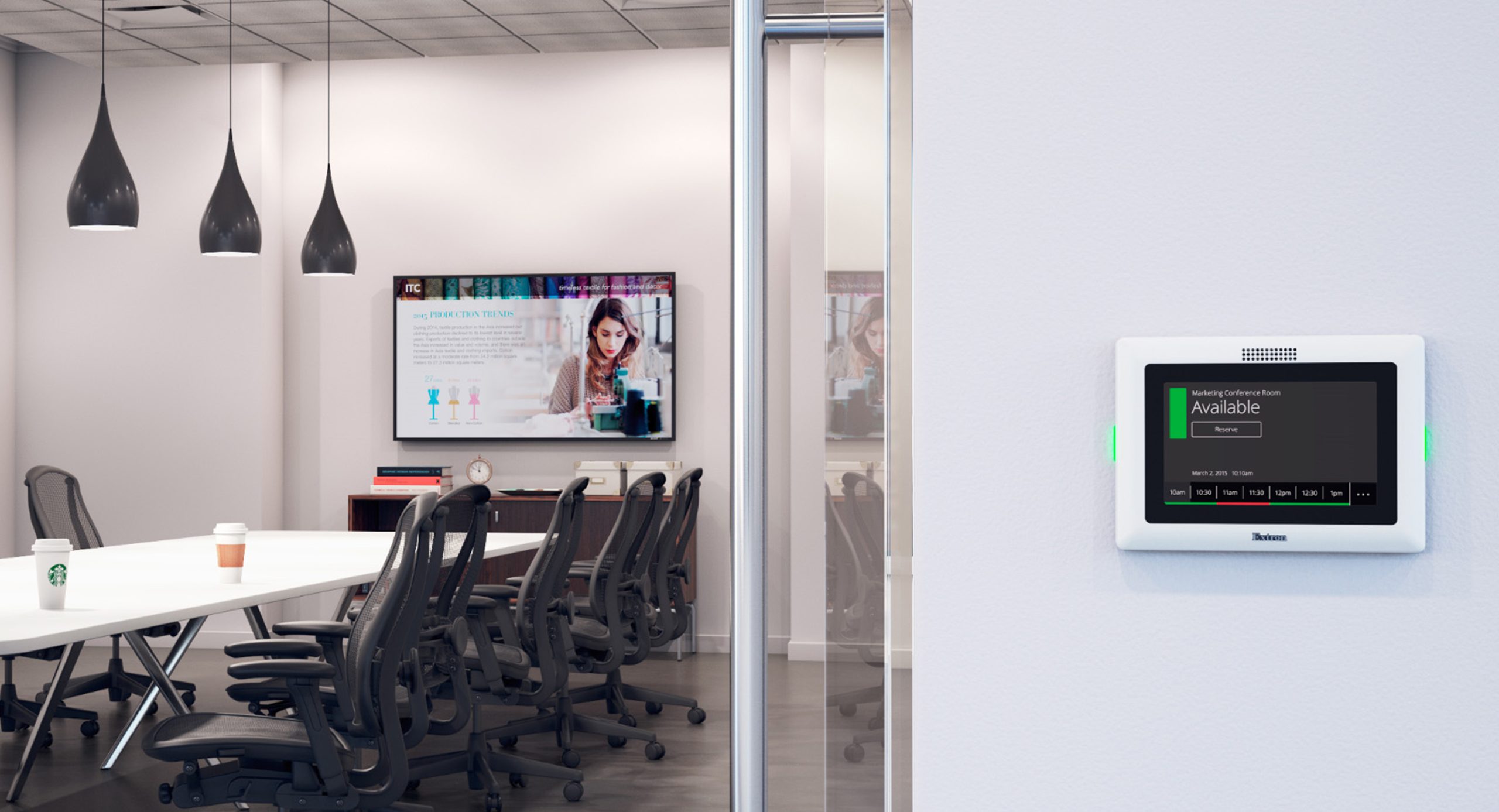
Whether you’re in a small meeting room or a medium-sized conference room, a video bar system delivers a high-quality audio and visual experience, guaranteeing that everyone can see and hear well. Video bars are changing the way we connect and interact with people, not just in a meeting, but also in managing a hybrid meeting environment.
Video bars are compact, powerful, and design to make video conferencing feel as real as face-to-face. In this blog, let’s explore what makes these devices so remarkable and why your workspace might be begging for it.
What is a Video Bar
Video bar is known as an all-in-one video conferencing device that integrates a camera, a microphone, and a speaker into a single compact unit. It integrates a camera, microphone and speakers into a single compact device typically placed under a display screen or installed above a display screen. It is a soundbar, but one for meetings, and with a better IQ.
There are brands such as Logitech, Poly, Cisco, Neat, Yealink and Jabra at the forefront selling feature-packed video bars that work in both the small huddle room and the huge boardroom.
Why Are Video Bars Booming?
The working world was different after 2020 perhaps permanently. The future is Hybrid. Thus, the necessity to have smooth communication tools is evident. Step in: video bar.
The following are reasons why people are falling in love with them:
- No wires and mazes.
- Auto-framing and AI tracking makes everybody feel heard and seen.
- Simple integrations with Zoom, Microsoft Teams, Google Meet and others.
- Space-saving design, which is ideal for contemporary offices.
They are simply hip. Clean. Professional. Such as your meeting space is overdue for an update with the times.
Who Should Use A Video Bar?
When you decide whether a video bar is appropriate in your area, just ask yourself this question:
- Do you have client meetings or team meetings on a virtual basis?
- Do you require professional sound/vision?
- Is your existing solution unwieldy, untidy, and exasperating?
In case you gave an answer of yes to one or more of those things, you fit the bill. Video bars are best suited to:
- Corporate Offices
- Startups and Freelancers
- Learning Institutions
- Healthcare and telemedicine
- Government Departments
Features of Video Bar
Crystal-Clear Video (With AI!)
Recent video bars will have an AI-powered framing and 4K Ultra HD cameras. This implies that the camera is capable of focusing on the speaker, changing to light and even panning and zooming whenever there are people in and out of the room.
No embarrassing, stagnant shots and the person is cut off in half.
Hearing Microphones Hear You
The majority of video bars have beam-forming mics that ignore the unwanted noise and capture and record only the important things, the sound of your voice. Great when it is too humid because of the AC, or in case someone types too noisily.
Sturdy in-built Speakers
Never use outside speakers or laptop sound. These devices are also fitted with room-filling speakers so that everyone, including the back, can get to hear what is being discussed without straining.
Smart Integration
Still, numerous video bars can be used together with platforms such as Zoom Rooms, Microsoft Teams Rooms, or BYOD (Bring Your Own Device) configurations. This translates to less compatibility migraines.
Others are also fitted with touch controllers or wireless devices to control the calls easily.
Cost-Effective
Investing in a video conference bar can be financially beneficial in the long run. While certain high-end models may have a greater initial cost, the integration of several features into a single device can save firms money on individual components. The simplicity of installation lowers the requirement for expert technical support.
How Can You Set Up Video Bars?
That is one of their greatest strengths.
You do not need to have an IT degree. Most of the time, it is:
- Fixing the video bar on your wall or on your screen.
- Power. Connecting network (some wireless too).
- Inserting and charging the device, or so-called synchronising with your operating system.
There are also some premium models, which do not require a laptop; they are standalone. The process just requires you to come into the room and tap a screen, and you are live.
Conclusion
Video bar systems are transforming how we conduct hybrid meetings and collaborate. With integrated audio and video capabilities, comprehensive features, ease of use, and the ability to improve virtual meetings and remote work, these systems provide a seamless and immersive collaboration experience. When selecting a video bar system, you can make an informed selection that meets your collaborative needs by learning the fundamentals, investigating essential features, and taking into account critical aspects. So, the next time you’re remodelling your meeting rooms, think about the advantages of an all-in-one video bar solution.