

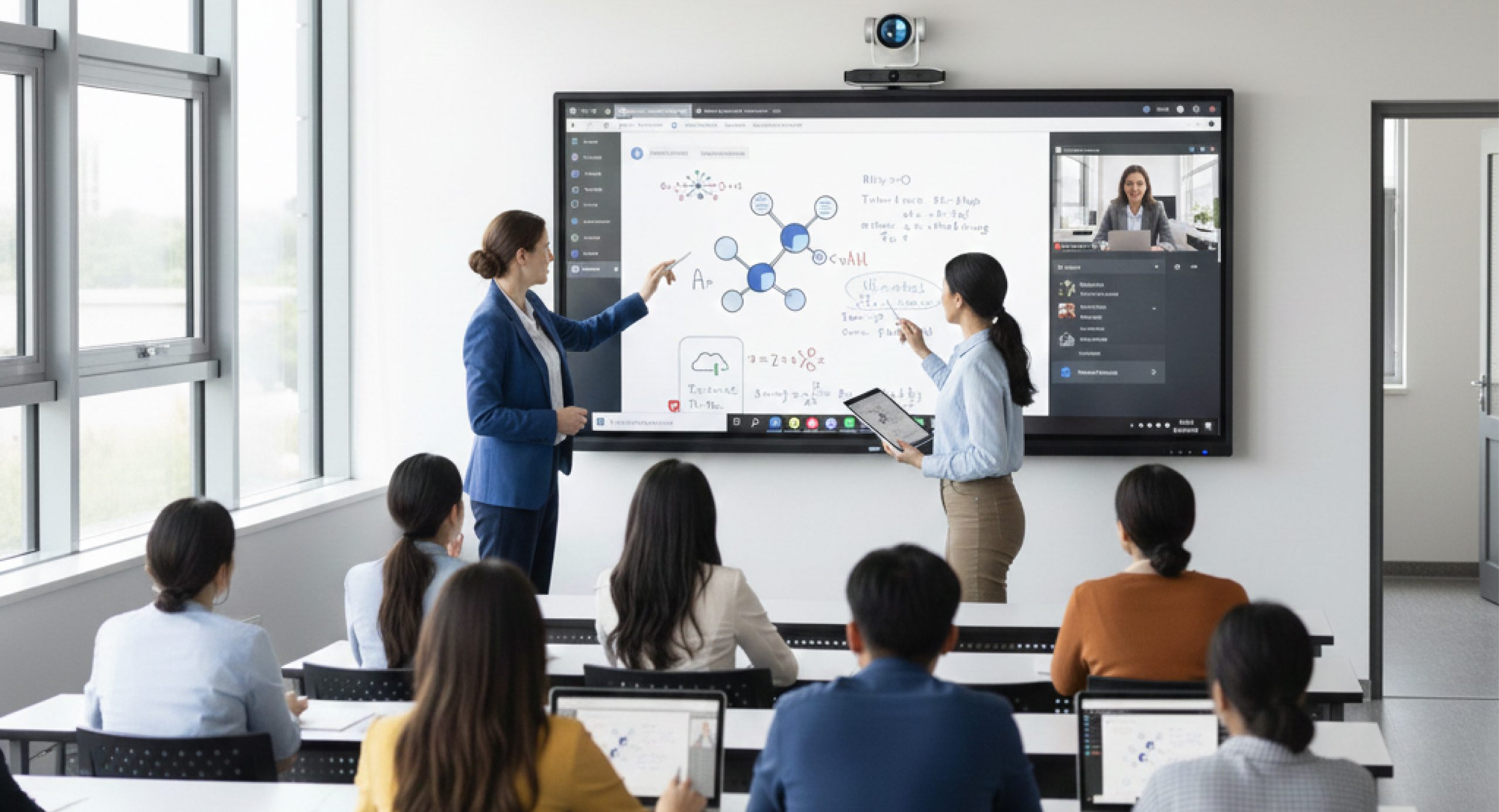
Interactive flat panels are transforming modern classrooms, meeting rooms, and training spaces. This shift represents more than just a technology upgrade; it reflects a change in how presentations, education, and collaboration are delivered. TREND interactive flat panels have become a preferred choice for educators and businesses looking to create more engaging and productive environments.
An interactive flat panel works like a large smart touchscreen, allowing users to engage directly with content, connect multiple devices, and deliver highly interactive sessions—something traditional projectors simply cannot offer.
Let’s explore five key things you can do with an interactive flat panel that projectors can’t.
Engage directly through an Interactive flat panel multi-touch screen
TREND interactive flat panels transform static presentations into dynamic, hands-on experiences. While projectors only display images, an interactive flat panel allows direct interaction with content, like using a tablet or smartphone.
Users can write with a finger or stylus, drag and move elements, open applications directly on the screen, zoom into visuals, and highlight important information in real time. This makes sessions more immersive and keeps audiences actively engaged.
Interactive flat panels also encourage collaboration. Team members can contribute ideas, mark documents, and brainstorm visually during meetings. In educational settings, students are more involved when they can touch the screen, complete exercises, and participate actively—something a traditional projector cannot support.
Making education a game for every institution
Interactive flat panels for education play a significant role in improving student engagement and learning outcomes. Traditional teaching methods can sometimes struggle to maintain attention, particularly among younger students. This is where gamification becomes powerful.
With interactive flat panels, teachers can easily introduce educational games and interactive activities into lessons. Subject-based quizzes, puzzles, and real-time challenges can be launched with minimal preparation, helping boost student participation and motivation. As a result, classrooms become more energetic, interactive, and productive.
Enjoy crystal-clear 4K quality with zero shadows or glare
The inconsistency of projector quality is one of the main problems that every sector faces. Even a high-end projector struggles with brightness and clarity in a well-lit room. Shadows appear every time someone walks in front of the projector’s beam, and the colors often look washed out unless the lights are dimmed. This can make important visuals hard to read and reduce the impact of your presentations.
TREND’s interactive flat panels eliminate all these issues. They offer 4K ultra-high-definition displays with bright, vivid images that stay clear even in full daylight. The anti-glare screen ensures that everyone in the room can see content from any angle without reflection. Since the display is not affected by how far the audience sits, even people at the back of the room can easily read charts, graphs, or text. Businesses like this technology because meetings feel more professional, and there is no need to adjust lighting or reposition equipment. Unlike projectors, which often lose brightness over time and require lamp replacement, our interactive flat panels maintain consistent image quality throughout their lifespan, making them ideal for long-term use.
Annotate, save, and share content quickly
With projectors, notes are often written on separate whiteboards or flip charts, making them difficult to save or organize. Interactive flat panels change this completely. Users can annotate directly on PDFs, presentations, images, websites, and videos during a session.
All annotations can be saved instantly and shared via email, QR codes, PDFs, or cloud storage. This ensures no information is lost and follow-ups are faster and more efficient. For example, sales teams can send annotated presentations to clients immediately after meetings, while teachers can save lesson notes for revisions or absent students.
Collaborate remotely and wirelessly with built-in apps
Projectors rely heavily on cables, adapters, and external devices, which often cause delays and technical issues. TREND interactive flat panels support wireless screen sharing, allowing laptops, tablets, and smartphones to connect instantly—without cables.
Built-in support for video conferencing platforms such as Zoom, Microsoft Teams, and Google Meet makes hybrid meetings seamless. Participants can collaborate, annotate content in real time, and save everything in one place. This creates a smoother and more connected experience for teams working across different locations.
Conclusion
Interactive flat panels are more than digital displays—they are powerful tools that transform communication, collaboration, and learning. Unlike projectors, which only display content, TREND interactive flat panels enable direct interaction, real-time collaboration, and seamless content sharing.
Whether you’re upgrading a classroom, meeting room, or training center, switching to an interactive flat panel significantly improves productivity, engagement, and overall user experience.